Emotive Automotive ERP – End‑to‑End Platform UI Design Case Study
Designed a modern, production‑ready interface for Emotive’s automotive ERP platform, enabling dealerships and finance companies to manage inventory, sales, lending, and operations in one unified system.
Product Design
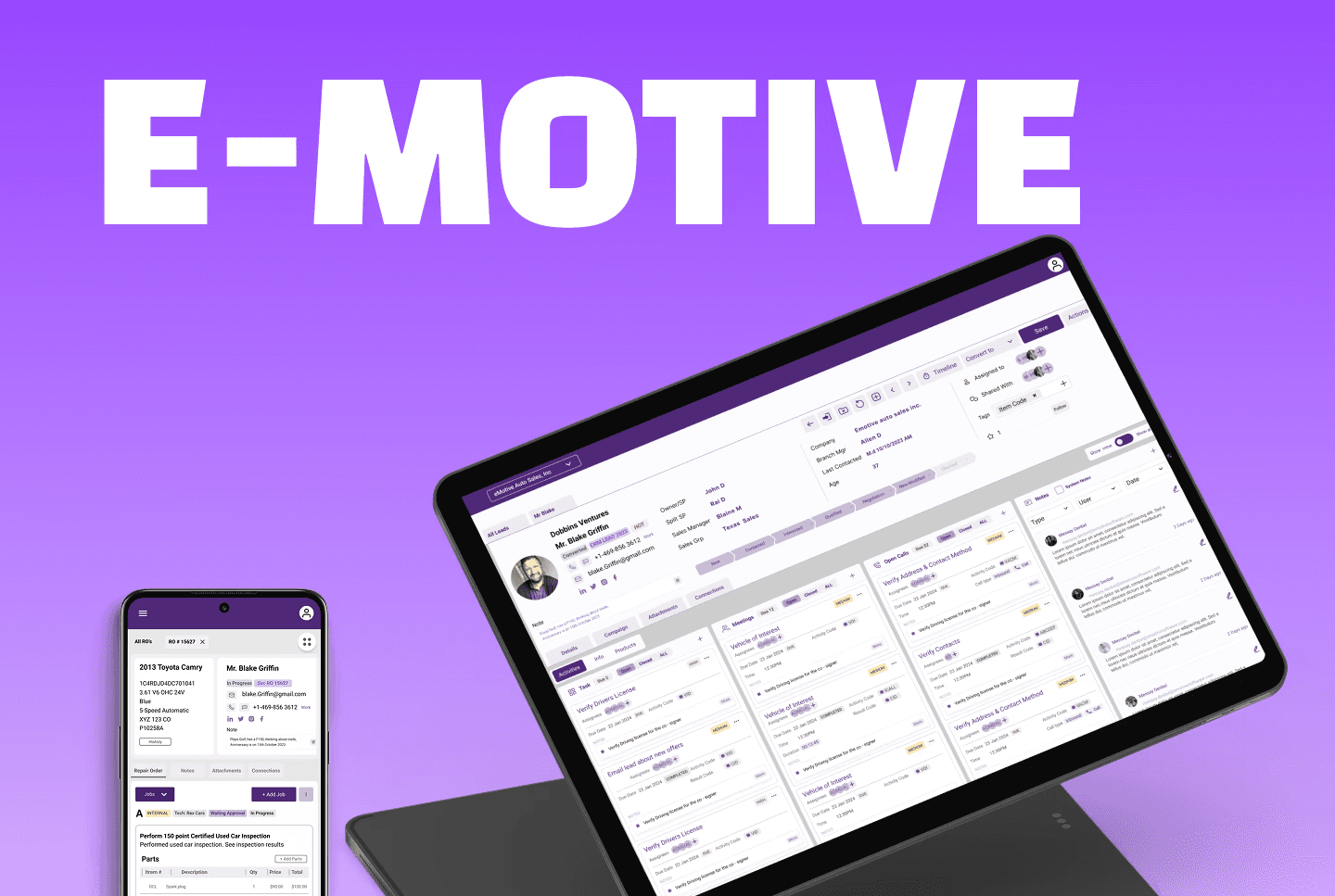
Project Overview
Client: Emotive Software
Industry: SaaS, Automobile
Timeline: 8 weeks (2024)
My Role: Lead Product Designer
The "Operating System" for Auto Dealers Imagine the daily operations of a car dealership or an asset-based lender. It is a high-stakes environment involving inventory management, complex loan originations, service repairs, and precise accounting.
Emotive Software set out to build a unified ERP (Enterprise Resource Planning) platform to house all these diverse workflows under one roof. My challenge was to design a responsive web application that integrated CRM, Sales, Lending, Service, and Inventory into a seamless experience. The goal? To replace fragmented, error-prone legacy tools with a consistent, scalable interface that empowers internal teams to work faster and smarter.
The Challenge
Navigating the Cognitive Load When I joined the project, the scope was massive and the existing workflows were disconnected. A "Sales" screen looked and behaved differently from a "Service" screen, creating friction for users who needed to switch contexts rapidly.
The core problems were clear:
Fragmentation: Departments like Finance, Service, and Admin felt like completely different apps.
Data Density: Workflows like Loan Origination and Quality Control required heavy data entry, but the existing layouts were cluttered and difficult to scan.
Scalability: There was no shared visual language for tables, forms, or status indicators, making it nearly impossible to add new features efficiently.
My Mission: To reduce cognitive load by designing a modular system where a user could jump from configuring a "Cost Code" to managing a "Repair Order" without relearning the interface.
The Process
Step 1: Mapping the Domain Before drawing a single pixel, I had to understand the ecosystem. I broke down Emotive’s massive product positioning into user-centric workflows:
Sales Reps: Need speed managing leads, converting quotes, and handling trade-ins.
Lending Teams: Need accuracy processing credit apps and analyzing risk.
Service Ops: Need tracking managing inspections, ROs (Repair Orders), and invoices.
Step 2: Architecture & Navigation I structured the Figma files to mirror the mental model of the user, creating logical "homes" for Sales, Credit, Inventory, and Configuration. I established a global navigation pattern with a consistent header and breadcrumbs, ensuring users never felt lost in the deep hierarchy of an ERP.
Step 3: The "ERP-Ready" Design System To tame the chaos, I built a component library focused on data density without the clutter.
Typography: A compact type scale optimized for scanning rows of data.
Color Logic: Semantic tokens for status (e.g., Green for Approved Loans, Orange for Pending Inspection) to allow for "at-a-glance" decision-making.
Smart Tables: I designed tables with zebra striping, sortable columns, and bulk actions—critical for users managing hundreds of inventory items.
Key Solutions & Workflows
Note: In your portfolio, place relevant screenshots next to these descriptions.
The Lending Engine (Credit & Finance)
Loan origination is the heartbeat of a dealership's revenue. I designed the Credit Application and Add Applicant flows to be rigorous yet approachable. By grouping financial details, applicant data, and decision statuses into clear sections, I enabled finance officers to process applications with higher accuracy and less eye fatigue.
The Service Backbone (Repair Orders & QC)
Service departments run on tight schedules. For the Quality Control Inspection and Open RO (Repair Order) interfaces, I prioritized status visibility. Users can now track a vehicle from "Intake" to "Invoiced" seamlessly. I visually linked inspections to timesheets, ensuring that every minute of labor is accounted for and billed correctly.
The Admin Command Center
Configuration screens often get neglected, but they control the system. I treated Stock Settings, Cost Code Configuration, and Inspection Templates with the same care as consumer-facing screens. The result is a safe, clear environment where admins can configure complex system rules without fear of breaking the workflow.
The Impact
From Fragmented to Unified The final deliverable was more than just a set of screens; it was a scalable product foundation.
Unified UI Language: We moved from disconnected silos to a cohesive system where Sales, Service, and Lending speak the same visual language.
Developer Efficiency: I delivered organized, developer-friendly Figma files with clear naming conventions and component variants, significantly speeding up the engineering handoff.
Operational Clarity: The new interface transforms complex data into actionable insights, helping dealership staff reduce errors and close deals faster.